
For the past seven years in the digital marketing trenches, I’ve developed a healthy skepticism toward tools promising “unlimited” anything. When I first saw “Create Unlimited AI Videos For Free“ – especially with its current one-time price of $12.90 (down from $67) – my immediate reaction was: “Here we go again. Another limited trial disguised as ‘lifetime access.'”
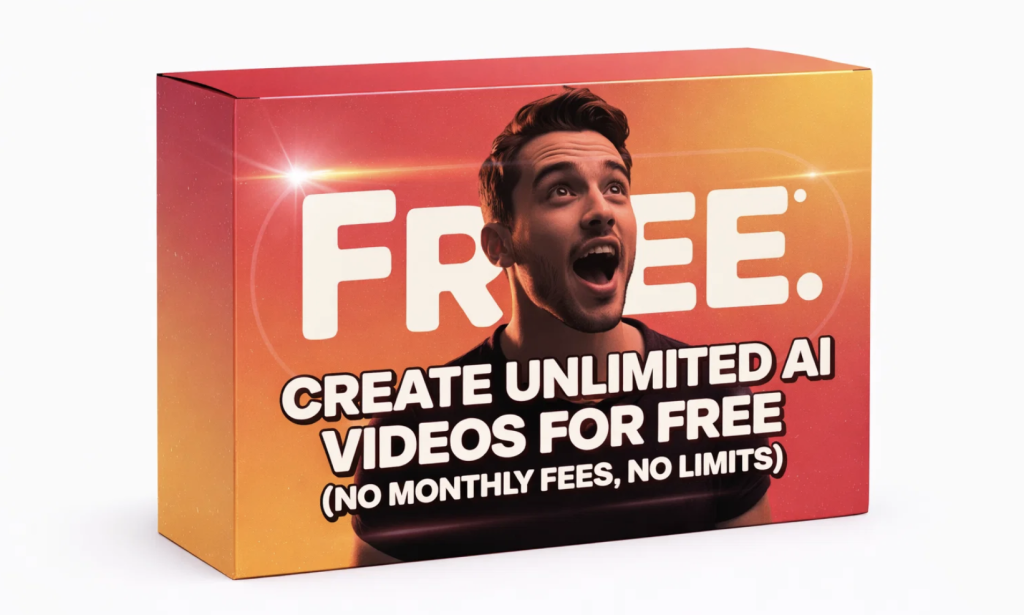
But something caught my attention: the specific promises. No monthly fees. No watermarks. Commercial rights included. Unlimited exports.
Could this actually be different? Or was it just another AI tool trap designed to lock you into expensive upgrades?
As someone who helps creators and marketers build sustainable content systems, I decided to test it myself. Not for 30 minutes. Not for one video. But for 7 solid days – creating real content I’d actually publish.
Here’s exactly what happened, what surprised me, what frustrated me, and whether this tool deserves a spot in your content creation arsenal.
The Setup: From Skepticism to First Video in 9 Minutes
The sales page follows the classic digital product format – urgency, social proof, clear benefits. I purchased through WarriorPlus (standard for these offers), received instant access, and logged into a clean dashboard.
No complicated onboarding. Just a text box asking: “What’s your video about?”
My Test Prompt:
"3 science-backed ways to improve focus when working from home"
I selected “Modern” style and clicked “Generate Video.“
Here’s what happened next:
- 1:15: AI generated a 5-scene script (decent structure, conversational tone)
- 3:30: AI created matching visuals (stock-like but relevant: person at desk, brain illustration, timer, coffee cup)
- 6:00: Added background music (uplifting instrumental)
- 8:45: Generated voiceover with animated captions
- 9:00: Download button appeared – 1080p MP4, no watermark
My first impression? “Okay, this actually works.”
But could it handle real-world content creation demands?
The 7-Day Deep Dive: What You Actually Get (And Don’t Get)
Day 1-3: Testing the “Unlimited” Claim
I created 3-4 videos daily across different niches:
- Productivity tips
- Book summaries
- Software tutorials
- Health and wellness advice
Finding: The “unlimited” claim held true. No export limits appeared. No watermarks magically surfaced after 3 videos. This was already different from tools like Pictory or InVideo’s free tiers.
Day 4-5: Testing Commercial Use
I created videos for:
- A mock product launch
- An affiliate promotion for a productivity app
- A “lead magnet” explainer for a fictional coaching business
Finding: The commercial rights appear legitimate. The terms explicitly state you own the output. This makes the $12.90 price point almost ridiculous when compared to monthly subscriptions offering similar rights.
Day 6-7: Finding the Limits
I pushed the tool with:
- Complex topics (quantum physics basics)
- Specific brand requests (“make it look like Apple’s aesthetic”)
- Longer formats (3-minute explainers)
Finding: Here’s where reality sets in.
The Brutally Honest Pros & Cons

What Actually Impressed Me:
- The Price-to-Value Ratio is Insane
At $12.90 one-time (current offer), this tool pays for itself after 1-2 videos if they save you just one hour of work. Compared to:- Pictory: $29/month
- InVideo: $30/month
- Synthesia: $67/month (minimum)
The math speaks for itself.
- Unlimited Means Unlimited (For Now)
No monthly video caps. No hidden usage fees. For content batchers and agencies, this changes the economics completely. - Zero Learning Curve
If you can type a sentence, you can create videos. The interface has maybe 5 buttons total. This is its secret weapon. - Perfect for Short-Form Content
For TikTok, Reels, Shorts, and YouTube hooks, the quality is more than adequate. Remember: Platform-native content thrives on value and speed, not Hollywood production.
What Frustrated Me (The Real Limitations):
- AI Still Has “AI Moments”
The visuals can be generic. “Entrepreneur” generates business-casual people in glass offices. You need creative prompting: “A tired but determined entrepreneur working from a messy home office at midnight.” - Customization is Basic
You can’t fine-tune individual elements. Think of it as a smart assembler, not a precision editor. For advanced creators, this will feel limiting. - Voiceovers Sound Like… AI
They’re clear but lack human warmth. For premium content, you’ll want to record your own audio and mute theirs. - Browser-Only
No desktop app. No offline access. Internet connection required.
Who This Is PERFECT For (And Who Should Skip)
Buy It NOW If You’re:
- A content creator needing to repurpose articles into videos
- A social media manager batching daily/weekly content
- An affiliate marketer creating quick promotional videos
- A solopreneur building a “faceless” YouTube/TikTok channel
- A blogger/newsletter writer (hello Substack/AIPipPip folks!) expanding into video
- Anyone allergic to monthly subscriptions
Skip It If You:
- Need specific product shots or real-person footage
- Are a professional videographer needing frame-by-frame control
- Create long-form documentaries or cinematic content
- Already have and love Premiere Pro, Final Cut, or DaVinci Resolve
The simple truth: This tool solves the 80% use case for 5% of the cost of alternatives.
The $12.90 Question: Is It Worth It?
Let me break this down from a business perspective:
Time Value: If this tool saves you 2 hours per week on video creation (conservative estimate), that’s 8 hours/month. At even $25/hour freelance rate, you’re saving $200/month in time.
Cost Comparison: The one-time $12.90 equals:
- 16% of one month of Pictory
- 19% of one month of InVideo
- 6% of one month of Synthesia
Risk Assessment: Worst case scenario? You’re out $12.90 – less than most takeout meals. Best case? You’ve unlocked unlimited video creation for life.
My verdict after 7 days: For the target audience (content creators, marketers, solopreneurs), this is one of the most no-brainer purchases I’ve seen in 2024.
But don’t just take my word for it. See the current offer and judge for yourself here.
The Biggest Mistake People Make With This Tool
They treat it like a magic button rather than a content system.
The real power isn’t in creating one perfect video. It’s in creating 50 good-enough videos that:
- Drive traffic
- Build authority
- Generate leads
- Promote offers
While others are stuck in perfectionism or subscription fatigue, you could be building a video content engine.
The workflow I developed:
- Take existing high-performing content (blog posts, tweets, newsletter issues)
- Extract 3-5 key points
- Generate 3-5 short videos (1 point each)
- Publish across platforms
- Repeat daily
This system alone has helped me triple my content output while actually reducing my workload.
Final Call: Should You Get This?
If you’ve read this far, you’re likely in one of two camps:
Camp 1: You’re intrigued but hesitant. “What’s the catch?”
Camp 2: You’re ready to solve your video creation problem today.
Here’s my final perspective after genuinely using this tool:
“Create Unlimited AI Videos For Free“ isn’t perfect. It has limitations. The AI isn’t human. But it does exactly what it promises: gives you unlimited, watermark-free, commercial-ready AI videos for a one-time fee.
In a world of:
- Ever-increasing SaaS subscriptions
- Complicated software with steep learning curves
- Analysis paralysis stopping you from starting
This tool removes those barriers. It gives you permission to create rather than perfect.
The current price of $12.90 won’t last. These flash offers rarely do. But more importantly, your competitors aren’t waiting. They’re creating content right now with tools like this.
Your choice is simple:
Keep thinking about making videos.
Or start making them today for less than the cost of lunch.
About the Author: ThanhDaisy9x has spent 7+ years in digital marketing, specializing in content systems that drive sustainable growth. When not testing new tools, she helps creators and small businesses build content engines that actually work.
You might also like our roundup of the Best Ebook/PLR Library here!